
Generate code#
The Pins tool generates the output code for current configuration automatically. You can also select Pins > Refresh from the Main Menu to update the code manually. All output code files are displayed in the Code Preview view. To copy the code, perform the copy/paste operation or click the Export icon in the right up corner of Code Preview view.
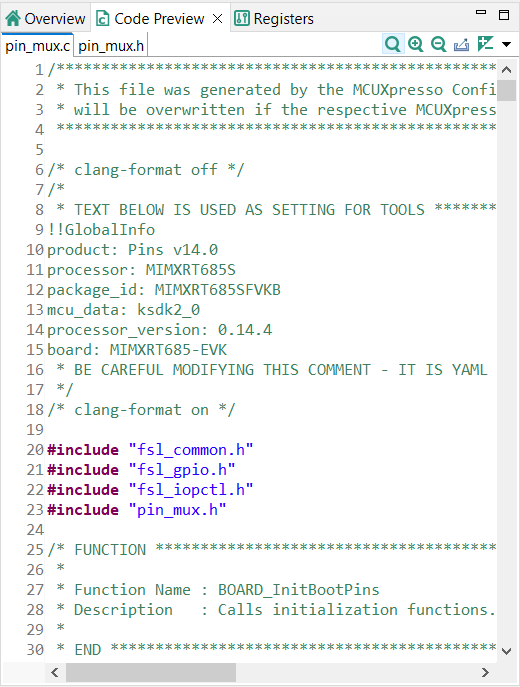
Generate code#
Alternatively, you can also export generated output in various types of output like source files, plain pins configuration data in CSV, modified registers content or as pins configuration report in HTML per specific export wizard selectable from File > Export from the Main Menu.