
Import an existing configuration#
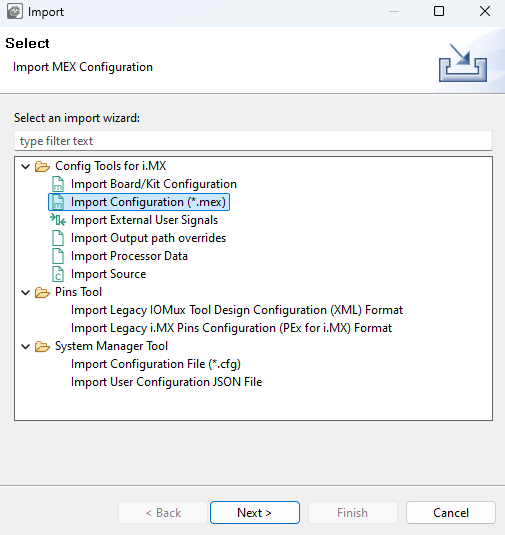
You can also import an existing configuration using a built-in import wizard for getting pins and DDR configuration either from legacy project formats (IO Mux Tool Design Configuration XML or PEx for i.MX) or another already existing configuration file (MEX) or Pins tool-generated source files containing YAML configuration details.
To import an existing configuration:
Select File > Import.
Choose the import wizard, select Next and follow the instructions.
Select Browse and then the required input file(s).
Select Finish to import files.
New configuration is created if the import is finished successfully, then use File > Save to save it to the disk.
Import#