
Start with a new configuration#
Starting Config Tools for i.MX for the first time, you will be greeted by the Start Development window. You can use this window to create a new configuration or load an existing one.
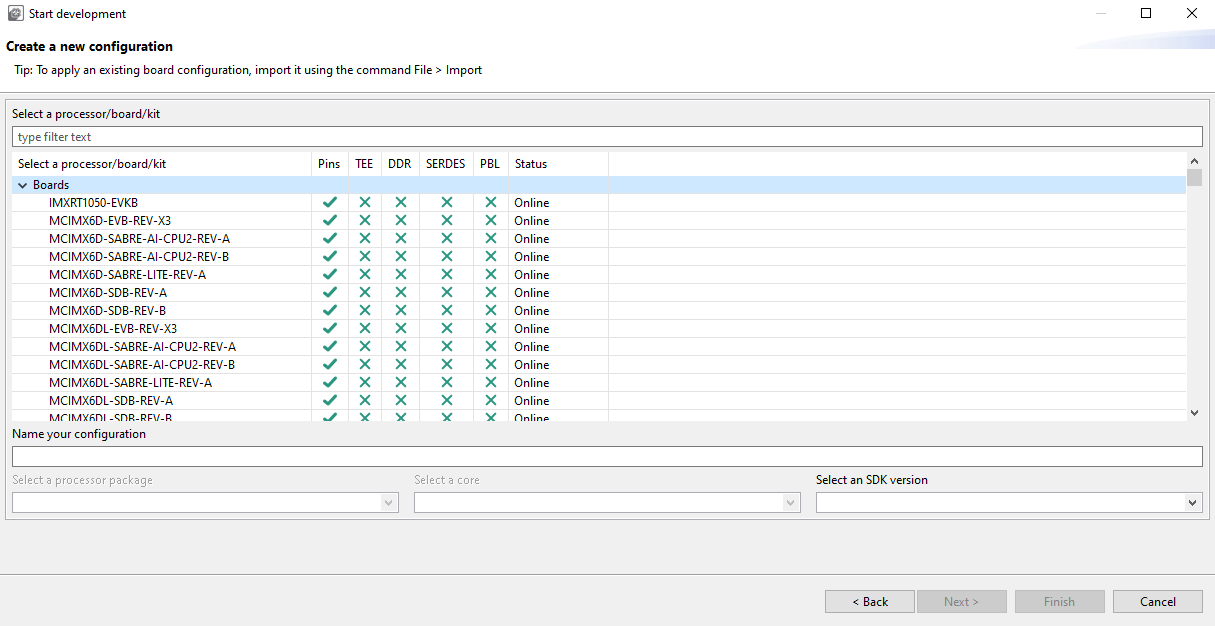
Create a new configuration#
To create a new configuration for selected processor, board or kit at any time, do the following:
Start the tool or select File > New.
Select option Create new configuration for processor, board or kit.
Select Next.
Expand the tree and select any processor, board or kit configuration. You can also use the filter field to quickly find desired item.
Customize name of the configuration and select Finish.
Use File > Save to save existing configuration to the disk.