
Generate code#
You can update the source files generated by the MCUXpresso Config Tools by clicking the Update Code button. The command opens a dialog with a list of files that will be regenerated and allows you to select which tools will generate the code.

Update Code button#
Note: In order to generate the code, the configuration has to be saved. This is described later in this document.
Alternatively, you can also export a selected source file by clicking the export button in the Code Preview view.
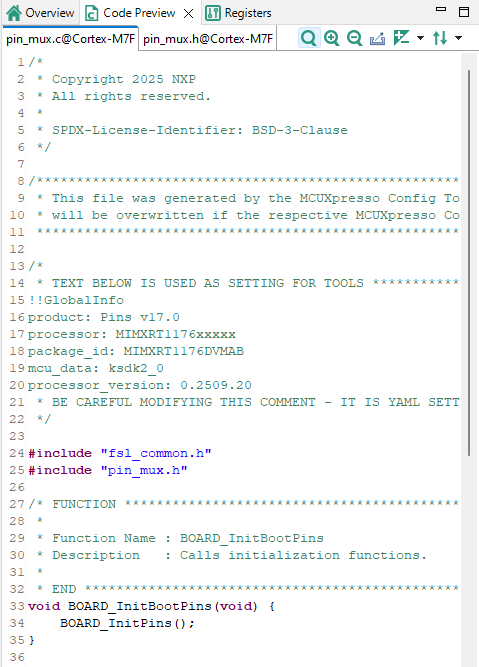
Code Preview#