
Generate code#
To see the generated code, open the Code Preview view by selecting Views > Code Preview from the Main Menu. The source code is updated automatically after every change. You can copy-paste the generated code or download a zip file by selecting Pins > Export from the Main Menu.
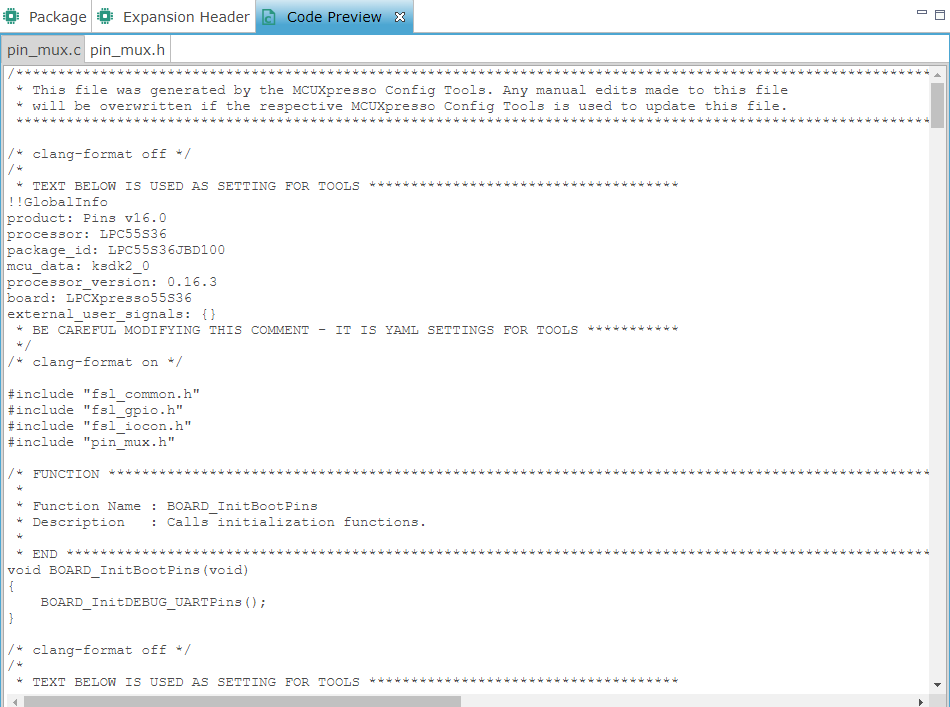
Code Preview#
The generated code uses MCUXpresso SDK for peripheral initialization, so it is necessary to download device-specific SDK package to build it. Supported toolchains are:
MCUXpresso IDE
IAR Embedded Workbench
Keil µVision
Arm GCC
Kinetis Design Studio