Installing 3rd Party Patch#
Official 3rd Party Support from Segger and IAR is not available at this moment. Please use the 3rd party patch provided by NXP which get deployed on Link
The RT2660 debug patch is now a combined IAR + J-Link patch, shipped as iar_segger_support_patch_rt2660_vX.Y.zip.
It supports debugging both traditional RAM (ITCM) targets and unified linkage targets on MIMXRT2660.
⚠ Use SWD, not JTAG: RT2660 debug uses the SWD interface only. Set your probe’s target interface to SWD in your IDE — JTAG is not supported and the debugger will fail to connect. This applies to every flow in this guide (Ozone, and IAR C-SPY with either a J-Link or CMSIS-DAP probe).
What’s in the zip#
Unzip iar_segger_support_patch_rt2660_vX.Y.zip — it contains:
File |
Purpose |
Needed for |
|---|---|---|
|
SEGGER J-Link device support (jlinkscript, flash loaders, |
Ozone, and IAR C-SPY with a J-Link probe |
|
IAR EWARM debugger / device / flashloader / linker config files |
IAR C-SPY (both J-Link and CMSIS-DAP probes) |
|
Upstream install notes and MD5 checksums |
Reference |
Upgrade J-Link to V8.88 or later#
Older J-Link doesn’t know the Cortex-M85 core and the jlinkscript will fail.
Install the J-Link part (JLink.zip)#
Existing patch: If an older RT2660 patch is present, remove the folder out of
JLinkDevicesentirely.
⚠ Warning — renaming does not disable it: J-Link scans
JLinkDevices/**/*.xmlrecursively and loads every*.xmlregardless of the containing folder’s name. A renamed folder is still loaded and will conflict.
Unzip JLink.zip and copy the NXP\iMXRT2660\ folder (with its contents) into:
C:\Users\<username>\AppData\Roaming\SEGGER\JLinkDevices\NXP\iMXRT2660\
NXP\iMXRT2660\ must then contain, directly:
iMXRT2660.xmliMXRT2660_M85.jlinkscriptMIMXRT2660_XSPI0_NS.FLM/MIMXRT2660_XSPI0_S.FLMMIMXRT2660_XSPI1_NS.FLM/MIMXRT2660_XSPI1_S.FLM
Tip:
iMXRT2660.xmlauto-loads the jlinkscript whenMIMXRT2663xxxxx_M85is selected — leave the “J-Link Script File” field empty in your IDE.
Verify the J-Link part#
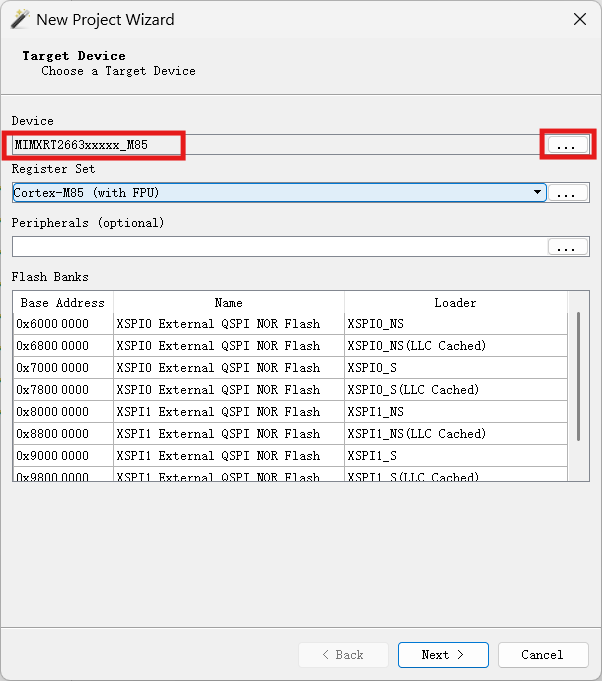
Check 1: device picker shows MIMXRT2663xxxxx_M85
In Ozone (or any J-Link-driven IDE), click ... next to Device — MIMXRT2663xxxxx_M85 should be in the list. If it’s not there, the J-Link part isn’t loaded.
Check 2: J-Link log shows the version banner
The jlinkscript prints its version on every connect. In the J-Link log (Ozone console, IAR / MDK debug log, JLinkGDBServer stdout), look for:
iMXRT2660 Cortex-M85 core J-Link script - VX.Y
If the banner is missing or the version differs from what you installed, a stale patch is being loaded.
Install the IAR part (arm.zip)#
Only needed if you debug inside IAR EWARM (C-SPY). Skip this if you only use Ozone.
Unzip arm.zip and merge its arm\ folder into your IAR EWARM installation’s arm\ folder, for example:
C:\Program Files\IAR Systems\Embedded Workbench 9.x\arm\
⚠ Merge, don’t replace: copy the patch’s
arm\contents over the existingarm\folder so the new files are added / overwritten. Do not delete other files already in IAR’sarm\folder.
The patch overlays these IAR config files (under arm\config\):
debugger\NXP\—.ddf,.dmac,.svd,MIMXRT2660_M85.ProbeConfigdevices\NXP\i.MX\i.MXRT\—.menu,.i79device definitionsflashloader\NXP\— XSPI flash loaders (.board,.flash,.out,.mac)linker\NXP\—MIMXRT266xxxxxx_M85.icflinker files
Verify the IAR part#
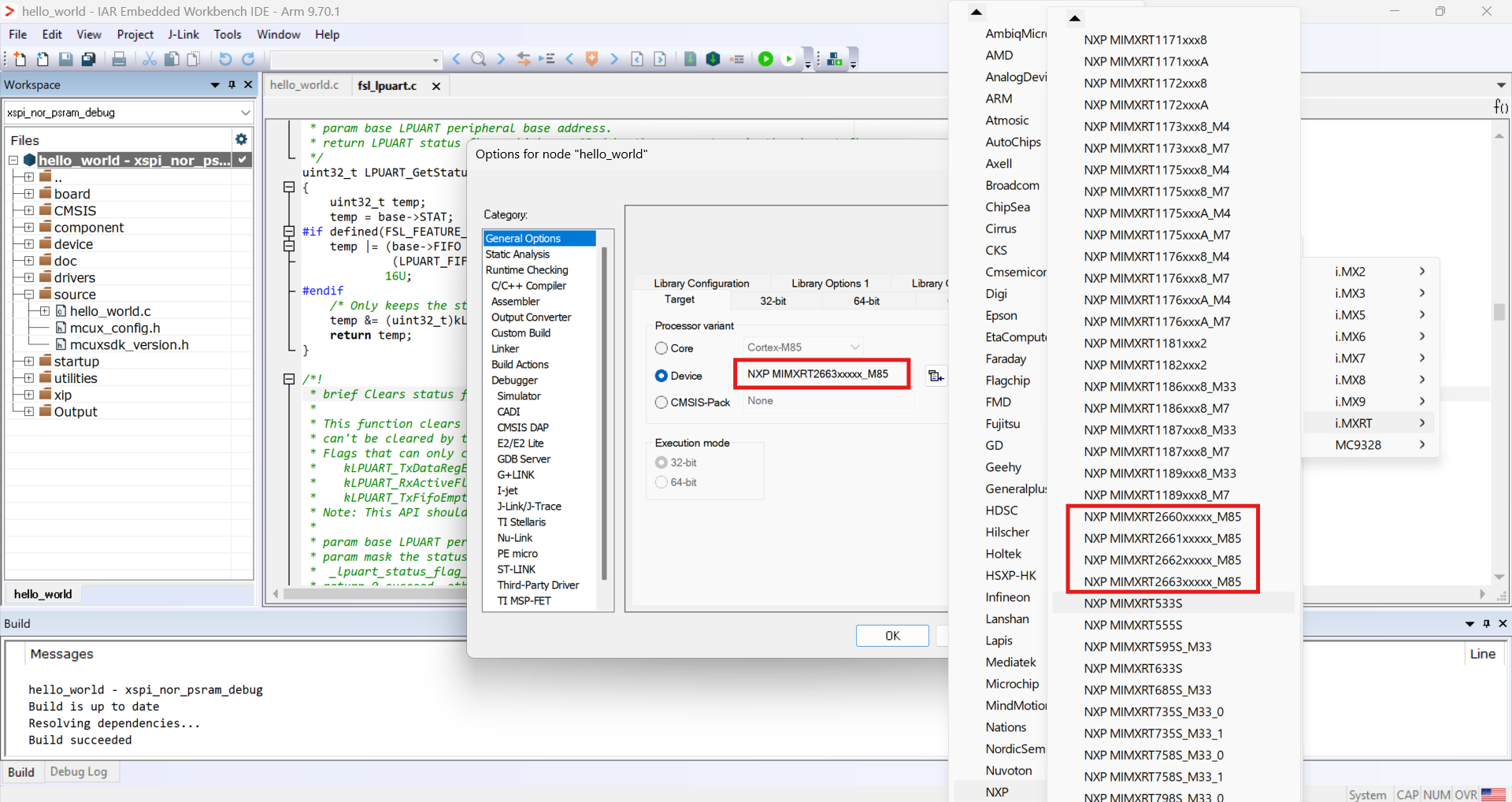
In IAR EWARM, open Project → Options → General Options → Target. The RT2660 device variants (MIMXRT2660 / 2661 / 2662 / 2663) should be selectable. If they’re missing, the IAR (arm.zip) part isn’t installed.